
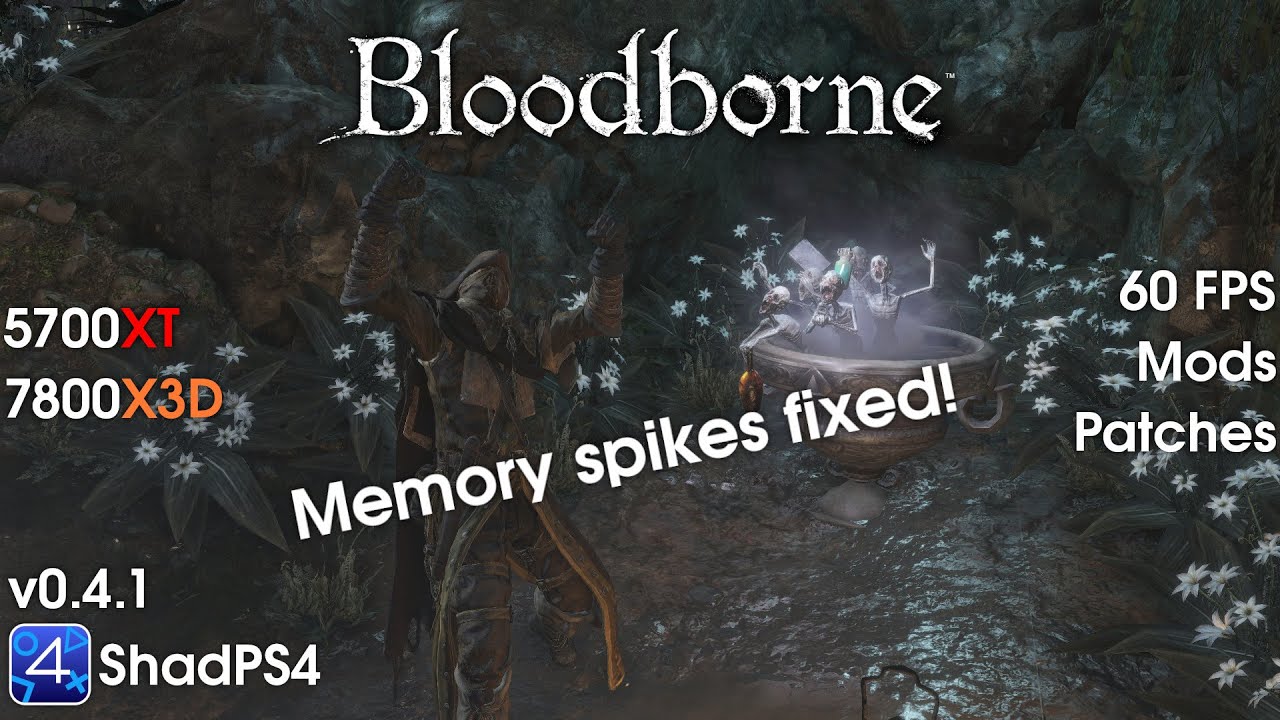
Bloodborne tested on the shadPS4 emulator at 1080P.
🎮 shadPS4 version used v0.4.1 WIP mainBB 770514c
🕹️ Latest Main Build: https://nightly.link/shadps4-emu/shadPS4/workflows/build/main
🕹️ Latest Tessellation Build: https://nightly.link/diegolix29/shadPS4/workflows/build/mainBB
📝Bloodborne Quickstart Guide: https://docs.google.com/document/d/e/2PACX-1vSJQ7GSOMA2UeW3RHr4T5Lzd52MxIeIK1-FrK_-PKoH36H58GJYzMkJt5xv4e_HMIQbgAzmlOONGtNW/pub
💾 AMD Driver 24.12.1
⚙️How to install mods: https://youtu.be/ofP0GbZK_sY
🛠️ Mods I Use 🛠️
Mod Organizer 2: https://github.com/ModOrganizer2/modorganizer/releases
MO2 Bloodborne Plugin: https://www.nexusmods.com/bloodborne/mods/158
Vertex Explosion Fix: https://www.nexusmods.com/bloodborne/mods/109
No Player Light: https://www.nexusmods.com/bloodborne/mods/46
Enable Dynamic Shadows: https://www.nexusmods.com/bloodborne/mods/160
60 FPS Cutscene fix: https://www.nexusmods.com/bloodborne/mods/70
DLC Main Menu: https://www.nexusmods.com/bloodborne/mods/128
🛠️Patches🛠️
Skip Intro
Disable Chromatic Aberration
Disable Motion Blur
60 FPS (With Deltatime)
Force Enable Old Hunters DLC
🖥️ My PC Specs 🖥️
CPU: AMD Ryzen 7 7800X3D
GPU: Radeon RX 5700 XT 8 GB
RAM: 64 GB DDR5-6000 CL30
Storage: WD_Black SN850X 2 TB
Storage: WD_Black SN750 1 TB
#bloodborne #bloodbornepc #shadps4 #mo2 #amd #ryzen #radeon
1 Comment
First video on the tessellation build for full RAM and VRAM comparison: https://youtu.be/QY-meNqmMj4